
Home / Guides / BingX trading bot, tested before it trades
BingX trading bot, tested before it trades
BingX is one of the ten exchanges M Alpha Core supports. A scan in the app shows how its settings did on a year of data, including the part the search never saw, and then your own bot trades BingX perpetual futures on your account.
Last updated:
BingX perpetuals with a low minimum order
BingX offers perpetual futures on many crypto markets. Its minimum order value is low: BingX's public contract data on November 13, 2026 showed 2 USDT per order for BTC and ETH, which helps if you start with a small sub account.
BingX supports sub accounts. Its support center has an introduction and FAQ on the sub account feature. One sub account per bot keeps the balance and the risk of each strategy apart.
BingX changed the validity rules for API keys in 2024. According to its announcement, keys that are not linked to an IP address and have trading rights are deleted after 14 days without API calls, while keys linked to an IP address stay valid. Your bot server has a fixed address, so link the key to it.
Gold, stocks and commodities on BingX
BingX had the longest list of the ten exchanges in the app on November 13, 2026: 1,128 perpetual markets. It also offers gold, oil, indices and single stocks, but under contract names of its own, for example NCCOGOLD2USD for gold, NCSINASDAQ1002USD for the Nasdaq 100 or NCSKAAPL2USD for Apple.
The app does not match those names yet. In M Alpha Core, BingX is therefore an exchange for crypto perpetuals, and for gold, oil or stocks the app shows you the exchanges that list them under the usual names. USDC contracts existed for 49 BingX markets, BTC and ETH among them.
Source: market list of the app, November 13, 2026.
How M Alpha Core works with BingX
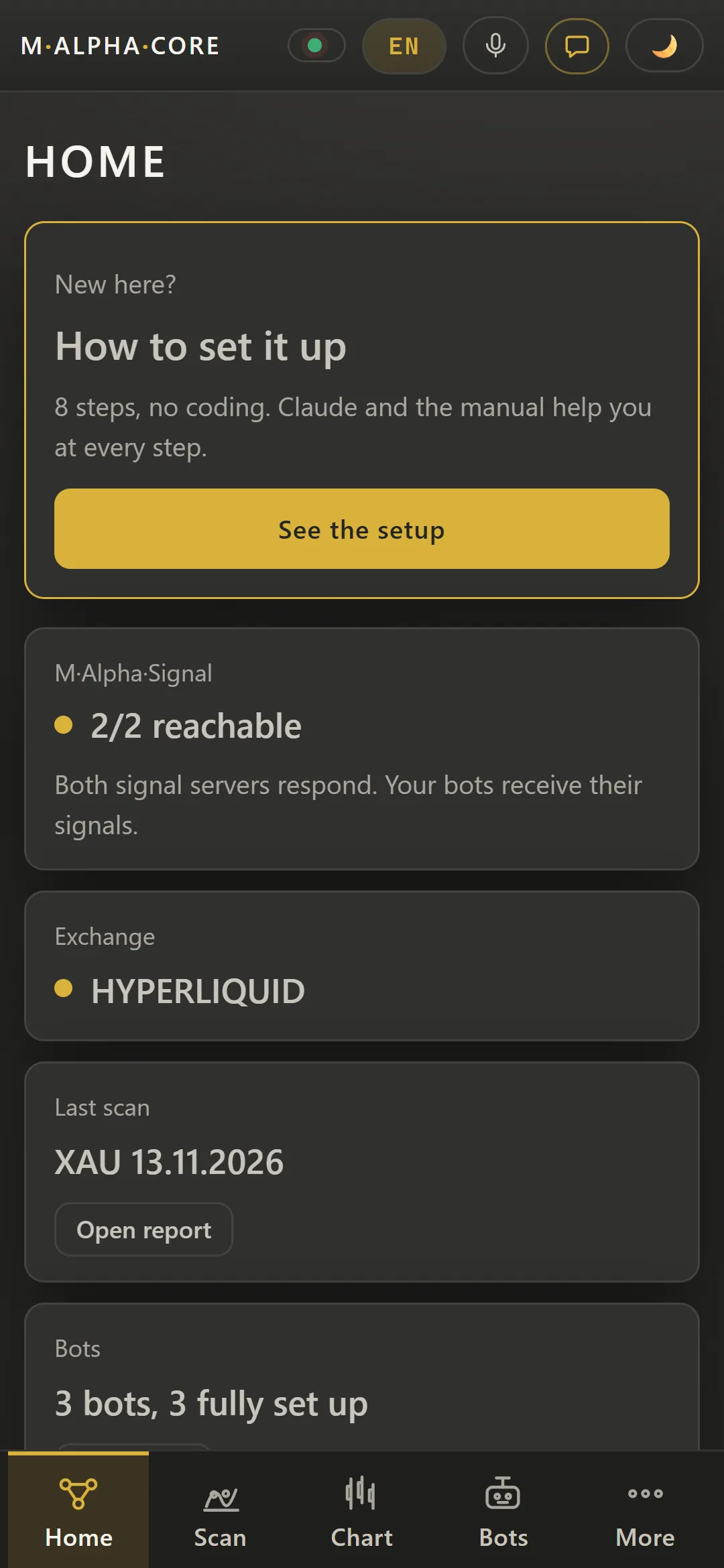
Everything starts with a scan in the app. There is one built-in strategy in M Alpha Core; what changes from market to market are its settings, and the scan finds the best ones for yours. Thousands of combinations are tried on 65 % of a year, and the winner then has to prove itself on the other 35 %, a stretch of data kept out of the search (out of sample). Profit factor, drawdown and every single trade are in the report. Details: how we test.
Your bot on BingX
Your bot connects to your BingX sub account with your own key and trades the perpetual contract of your market in USDT or USDC, depending on what BingX offers your account. Every trade lands in your Telegram, and a panel in your browser lets you go long, short, reverse or stop.
Every trade your bot makes on BingX also lands in the app's trade history, which you can export as a CSV file for your tax advisor.
BingX in M Alpha Core at a glance
| Contract type | Linear perpetual contracts |
| Settlement currency on BingX | USDT or USDC, depending on what BingX offers your account |
| Order size counted in | Coins |
| Passphrase for the BingX key | No |
Smallest order on BingX
BingX's public contract data on November 13, 2026 showed a minimum order value of 2 USDT for BTC-USDT and ETH-USDT, with steps of 0.0001 BTC and 0.01 ETH. That was the lowest minimum of the exchanges we checked, which helps when you start with a small sub account. A small account does not make leverage safer, though, so read the leverage limit in the report. The same public data listed a taker fee of 0.05 % and a maker fee of 0.02 % for both contracts; what you pay depends on your BingX account level.
Position side
BingX expects the position side with some requests. The bot sends it for you and works with one position per market.
Setting up your BingX bot step by step
- Scan your market in the app and go on only if the result holds up on the unseen 35 %.
- On BingX, create a sub account for this bot and move the bot's money into it.
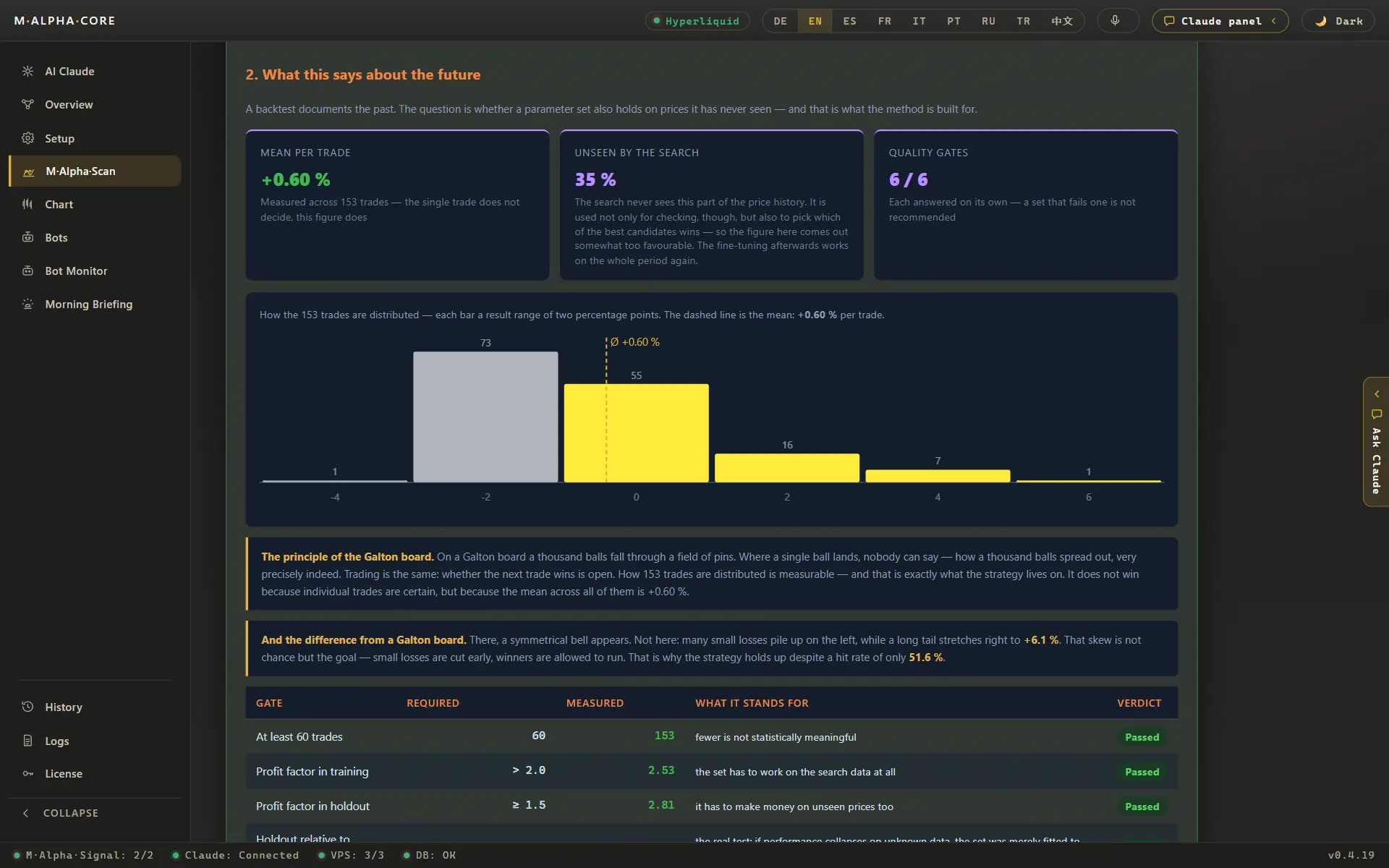
- Create an API key in that sub account with futures trading rights only, withdrawals off, bound to your bot server's IP address. Without an IP binding, BingX deletes an unused key after 14 days.
- Enter the key in the app, which sends it to your own server, then start the bot.
Button names on BingX change from time to time, so we link the official help pages instead of copying them:
- BingX sub account feature introduction and FAQ (official BingX page)
- BingX: security upgrade for API key validity (official BingX page)
Leverage, margin and liquidation on BingX
BingX asks for the position side when leverage is set. The bot works with one position per market and sends the side BingX expects, so you never end up with a long and a short in the same market at the same time.
Leverage multiplies both directions. That is why the report states the highest leverage the worst trade of the test would have survived. In our ETH example, 116 trades on the 30 minute chart over the year to November 6, 2026, the worst adverse move was 15.64 %, which puts the limit at 6.39x; above it, liquidation. Try other values in the leverage and liquidation calculator before you decide.
BingX trading fees and M Alpha Core costs
What you pay BingX per trade, and the funding rate between long and short positions, is decided by BingX and listed on its fee page. What you pay us is a license from $49 a month (plans and prices), and the server for your bot costs around $12 a month.
Countries and products BingX restricts
Whether an exchange serves your country is set by the exchange. Check its terms. BingX lists countries it does not serve in its terms, and some products are not offered everywhere. Should BingX not be available where you live, look at the other exchanges listed below.
Other exchanges besides BingX
Binance · Bybit · Bitget · OKX · MEXC · Gate · KuCoin · Crypto.com · Hyperliquid
BingX trading bot: questions and answers
Which markets can I trade on BingX?
Crypto perpetuals. BingX lists gold, oil, indices and stocks under its own contract names, which the app does not match yet.
Why was my BingX API key deleted?
According to BingX, keys with trading rights that are not linked to an IP address are deleted after 14 days without API calls. Link the key to your bot server's address.
What is the smallest trade on BingX?
When we checked on November 13, 2026, BingX accepted orders from 2 USDT for BTC and ETH. The exchange can change this.
Does the bot hold long and short at the same time on BingX?
No. The bot works with one position per market and sends the position side BingX expects.
Compare M Alpha Core
Side by side with other bot tools, with sources for every statement about them.
Exchanges in M Alpha Core: Binance · Bybit · Bitget · OKX · MEXC · Gate · KuCoin · Crypto.com · Hyperliquid
All figures come from backtests on past market data. No result is a promise of future profit. Trading, especially with leverage, involves high risk. M Alpha Core is a software tool, not investment advice.