
Home / Guides / Crypto.com trading bot, tested before it trades
Crypto.com trading bot, tested before it trades
Crypto.com is one of the ten exchanges in M Alpha Core. Scan a market, check it on data the search never saw and then let your own bot trade Crypto.com perpetual contracts on your account.
Last updated:
Crypto.com perpetuals quoted in USD
Crypto.com Exchange offers perpetual contracts on the main crypto markets. Unlike most other exchanges in M Alpha Core, its perpetuals are quoted in USD, for example BTC/USD, instead of USDT. The bot finds the USD market for your symbol on its own.
Crypto.com supports sub accounts. Its help center has articles on sub accounts and on its API. As on all ten exchanges in M Alpha Core, each bot gets its own sub account, so each strategy has its own balance.
On Crypto.com, margin settings apply to the account rather than a single market. With one bot per sub account that makes no difference, because each sub account holds only one strategy.
Gold, stocks and commodities on Crypto.com
Crypto.com had 414 perpetual markets in the app's list on November 13, 2026. Of the ten exchanges in M Alpha Core, only Hyperliquid had fewer, with 301. Some coins were missing on Crypto.com, ZEC and BNB for example.
For markets beyond crypto it is well stocked. Gold, silver, platinum, palladium, copper (as XCU), WTI and Brent oil, natural gas, the S&P 500 and the Nasdaq 100 were all there, plus single stocks such as Nvidia, Apple and Tesla. All of them are quoted and settled in USD.
Source: market list of the app, November 13, 2026.
How M Alpha Core works with Crypto.com
Everything starts with a scan in the app. There is one built-in strategy in M Alpha Core; what changes from market to market are its settings, and the scan finds the best ones for yours. Thousands of combinations are tried on 65 % of a year, and the winner then has to prove itself on the other 35 %, a stretch of data kept out of the search (out of sample). Profit factor, drawdown and every single trade are in the report. Details: how we test.
Your bot on Crypto.com
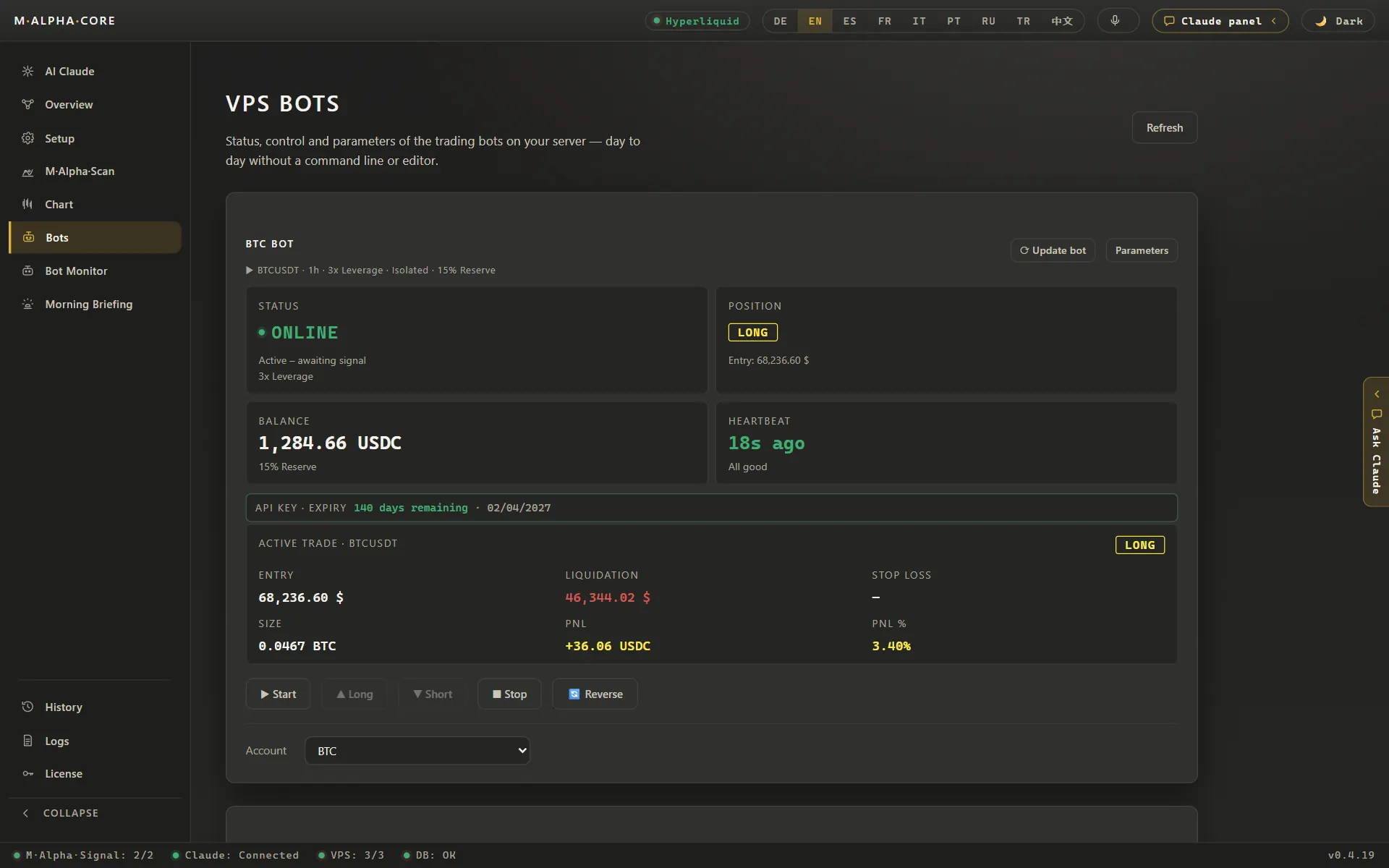
The bot logs in to the Crypto.com sub account with the key you created and looks for the perpetual of your market; it settles in USD. You see every trade in Telegram as it happens and can take over at any time from the control panel in your browser.
Every trade your bot makes on Crypto.com also lands in the app's trade history, which you can export as a CSV file for your tax advisor.
Crypto.com in M Alpha Core at a glance
| Contract type | Perpetual contracts quoted in USD |
| Settlement currency on Crypto.com | USD |
| Order size counted in | Coins |
| Passphrase for the Crypto.com key | No |
Smallest order on Crypto.com
On Crypto.com, one contract equals one unit of the market, and according to its public instrument list of November 13, 2026, quantities move in steps of 0.0001 for BTCUSD-PERP, ETHUSD-PERP and XAUUSD-PERP. A minimum order value was not part of that list. If an order is too small, Crypto.com rejects it and the bot reports the rejection on Telegram.
Adding margin to a running trade
The watcher function that adds margin to an open isolated trade from your reserve is not offered for Crypto.com yet. Plan your margin and leverage with that in mind.
Setting up your Crypto.com bot step by step
The setup takes four steps. First the scan: only a result that survives the unseen 35 % is worth trading. Second, a separate Crypto.com sub account for the bot, funded with what the bot may use. Third, an API key inside that sub account with futures trading rights, without withdrawal rights and bound to your server's IP address. Fund the sub account in the currency its perpetuals use. Fourth, the key goes into the app, which passes it on to your own server, and you start the bot.
For the exact menus, use the official Crypto.com help pages:
- Crypto.com Help Center: API (official Crypto.com page)
- Crypto.com Help Center: sub accounts (official Crypto.com page)
Leverage, margin and liquidation on Crypto.com
Because the watcher cannot add margin to a running trade on Crypto.com yet, choose between two ways: cross margin, where the whole sub account backs the trade, or isolated margin with a lower leverage, so the trade has more room before liquidation. Crypto.com's instrument list showed a maximum of 100x for BTCUSD-PERP and ETHUSD-PERP and 50x for XAUUSD-PERP on November 13, 2026. The exchange's maximum is not a suggestion; the report tells you what the worst trade of the test would have survived.
How much leverage is too much depends on the market. Take a real ETH scan on the 30 minute chart: 116 trades between November 6, 2025 and November 6, 2026, and the furthest the price ever ran against a single trade was 15.64 %. Divide 100 by 15.64 and you get 6.39, so with more than 6.39x that trade would have ended in liquidation. Your report gives you this number for your own market; the calculator shows what other values would do.
Crypto.com trading fees and M Alpha Core costs
Crypto.com sets its own trading fees and funding rate, and both can change, so check the official Crypto.com fee page for your account level. M Alpha Core costs $49 a month for Standard, $69 for Pro or $1,490 once for Lifetime (see pricing), plus about $12 a month for a small server.
Crypto.com derivatives and geo restrictions
Whether an exchange serves your country is set by the exchange. Check its terms. Crypto.com keeps a list of countries where derivatives trading is restricted. See: Crypto.com derivatives trading geo restrictions. If one exchange is not open to you, one of the other nine may be.
Other exchanges besides Crypto.com
Binance · Bybit · Bitget · OKX · MEXC · Gate · BingX · KuCoin · Hyperliquid
Crypto.com trading bot: questions and answers
Which markets can I trade on Crypto.com?
Fewer coins than some exchanges, but gold, silver, platinum, palladium, copper, oil, natural gas, the S&P 500, the Nasdaq 100 and single stocks, all in USD, on November 13, 2026.
Why does the bot show USD instead of USDT on Crypto.com?
Crypto.com perpetuals are quoted in USD, for example BTC/USD. The bot picks that market for you and reports the currency to the app.
Which coins can I trade on Crypto.com?
Fewer than on some other exchanges. On November 13, 2026, ZEC and BNB were not listed, while BTC, ETH, SOL and XRP were. The app shows the current state for each market.
Can the watcher add margin on Crypto.com?
Not yet. That function is not offered for Crypto.com in the app at the moment.
Compare M Alpha Core
Side by side with other bot tools, with sources for every statement about them.
Exchanges in M Alpha Core: Binance · Bybit · Bitget · OKX · MEXC · Gate · BingX · KuCoin · Hyperliquid
All figures come from backtests on past market data. No result is a promise of future profit. Trading, especially with leverage, involves high risk. M Alpha Core is a software tool, not investment advice.