
Home / Guides / Bitget trading bot, tested on data it never saw
Bitget trading bot, tested on data it never saw
Bitget is one of the ten exchanges in M Alpha Core. You scan a market, read an honest report and then your own bot trades Bitget perpetual contracts on your account, day and night.
Last updated:
Bitget perpetuals in USDT and USDC on many markets
Bitget offers USDT and USDC margined perpetual contracts on a wide range of crypto markets, and also lists contracts on some traditional markets. For a bot that means long and short positions with leverage and no expiry dates to manage.
Bitget supports sub accounts. Its support center explains how to create them, and each sub account can have its own API keys. A Bitget API key comes with three parts: the key, the secret and a passphrase you choose yourself. The app asks for all three.
Bitget is moving accounts from its classic account to a unified account. Its support center has a notice about this upgrade. The bot is built for the account type Bitget gives you, so you do not need to change anything in M Alpha Core when your account is upgraded.
Gold, stocks and commodities on Bitget
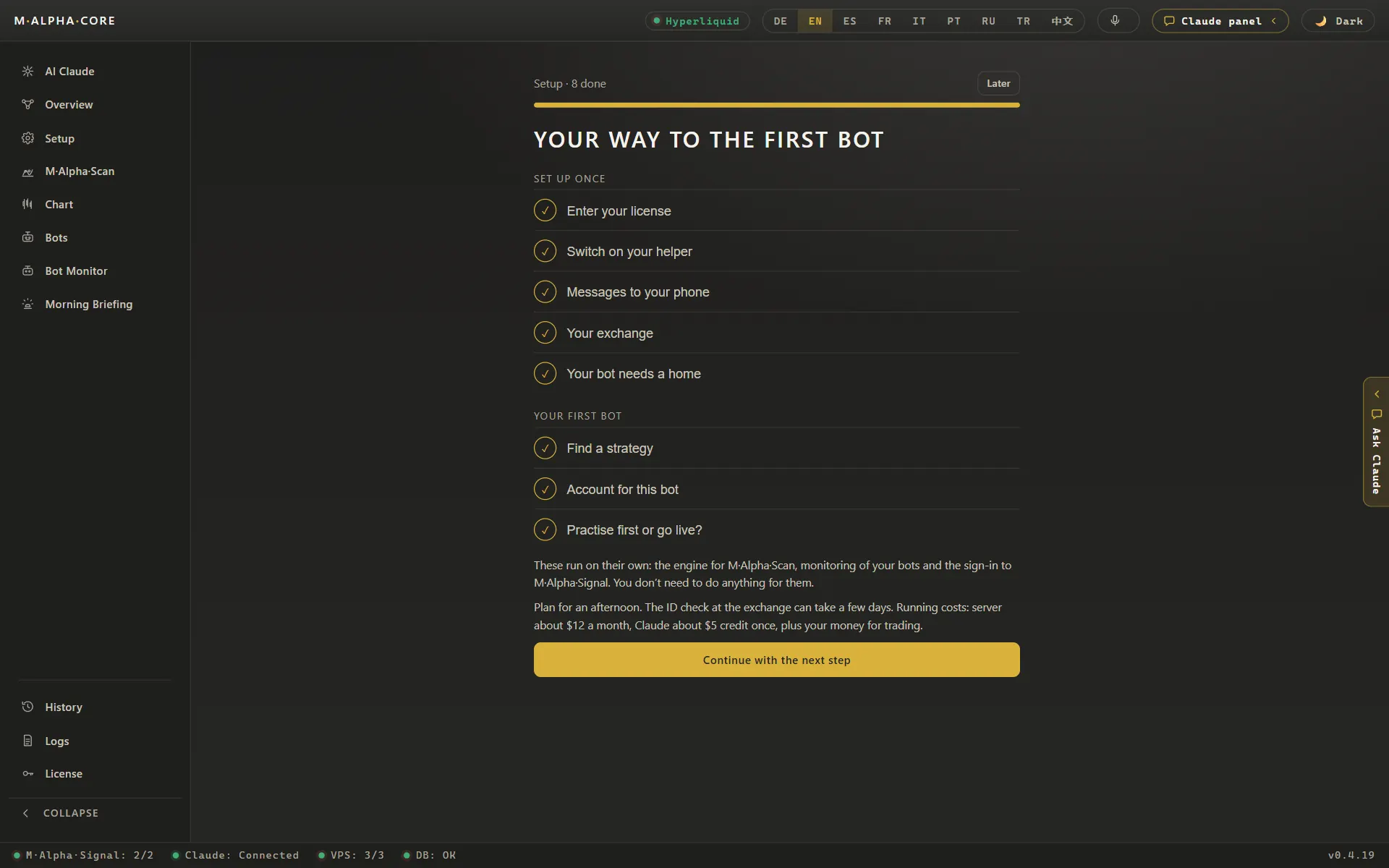
Bitget had 885 perpetual markets in the app's list on November 13, 2026, and it covered every non crypto market the app scans: gold, silver, platinum, palladium, copper, WTI and Brent oil, natural gas, the Nasdaq 100 and the S&P 500. The S&P 500 even appeared twice, as SPY and as SP500. Single stocks such as Nvidia, Apple, Tesla and AMD were there too, all settling in USDT.
USDC contracts existed for 49 Bitget markets on that day, BTC and ETH among them. The bot picks the currency your sub account actually holds.
Source: market list of the app, November 13, 2026.
How M Alpha Core works with Bitget
M Alpha Core has one built-in strategy. The scan finds the best settings of that strategy for your market: it searches on the first 65 % of a year of data and checks the result on the last 35 %, data the search never saw (out of sample). The report shows every trade, the profit factor and the drawdown. How we test explains the method in detail.
Your bot on Bitget
The bot logs in to the Bitget sub account with the key you created and looks for the perpetual of your market; it settles in USDT or USDC, depending on what Bitget offers your account. You see every trade in Telegram as it happens and can take over at any time from the control panel in your browser.
Every trade your bot makes on Bitget also lands in the app's trade history, which you can export as a CSV file for your tax advisor.
Bitget in M Alpha Core at a glance
| Contract type | Linear perpetual contracts |
| Settlement currency on Bitget | USDT or USDC, depending on what Bitget offers your account |
| Order size counted in | Coins |
| Passphrase for the Bitget key | Yes |
Smallest order on Bitget
Bitget's public contract data on November 13, 2026 showed a minimum order value of 5 USDT for BTCUSDT, ETHUSDT and XAUUSDT. The smallest quantity was 0.0001 BTC, 0.01 ETH and 0.01 XAU. Bitget counts these quantities in coins. The bot rounds every order down to the step Bitget allows, so a trade is never larger than the amount you set.
The passphrase
Keep the passphrase together with the key and the secret. Without it, Bitget rejects every request, and you would have to create a new key.
Setting up your Bitget bot step by step
The setup takes four steps. First the scan: only a result that survives the unseen 35 % is worth trading. Second, a separate Bitget sub account for the bot, funded with what the bot may use. Third, an API key inside that sub account with futures trading rights, without withdrawal rights and bound to your server's IP address. Write down the passphrase you choose for the key. The app needs key, secret and passphrase. Fourth, the key goes into the app, which passes it on to your own server, and you start the bot.
For the exact menus, use the official Bitget help pages:
- How to create a sub account on Bitget (official Bitget page)
- Bitget notice on the classic account upgrade (official Bitget page)
- Bitget API documentation (official Bitget page)
Leverage, margin and liquidation on Bitget
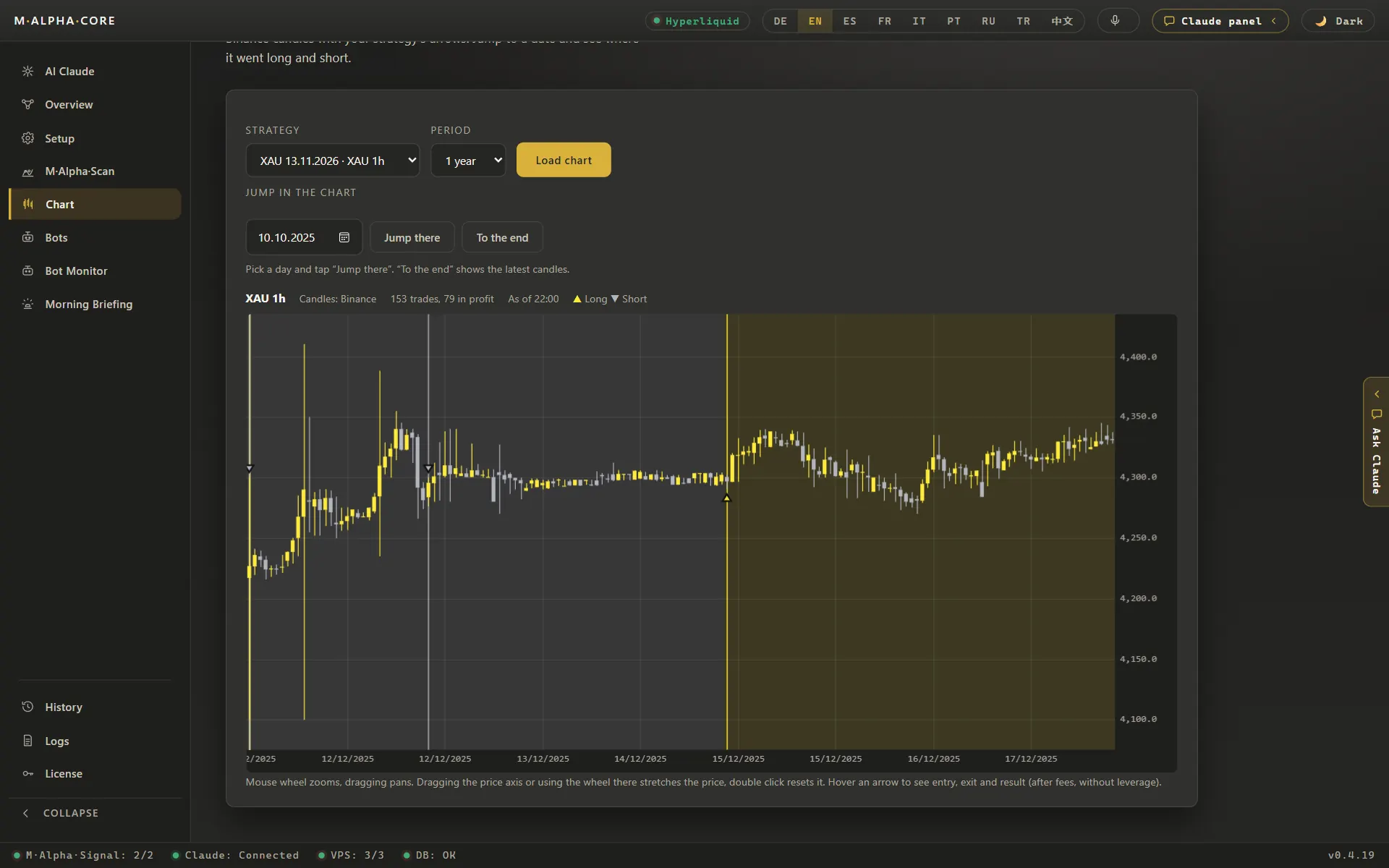
Bitget has been moving accounts from the classic account to the unified account since September 2026. The bot sets margin mode and leverage for your market before the first trade, and if Bitget allows your account less leverage than you chose, it takes the highest value Bitget accepts and reports it. Bitget's contract data allowed up to 150x on BTCUSDT and ETHUSDT and up to 100x on XAUUSDT on November 13, 2026. Such ceilings are far above what the worst trades in our scans would have survived, so the report's limit is the safer guide.
Leverage multiplies both directions. That is why the report states the highest leverage the worst trade of the test would have survived. In our ETH example, 116 trades on the 30 minute chart over the year to November 6, 2026, the worst adverse move was 15.64 %, which puts the limit at 6.39x; above it, liquidation. Try other values in the leverage and liquidation calculator before you decide.
Bitget trading fees and M Alpha Core costs
Trading fees and the funding rate on Bitget come from Bitget, not from us, and depend on your account level; the official Bitget fee page has the current figures. For the app itself, Standard is $49 a month, and all plans are on the pricing page. A small server for the bot adds about $12 a month.
Bitget product limits by country
Whether an exchange serves your country is set by the exchange. Check its terms. Bitget restricts some products in some countries. Check its terms for your country before you deposit. M Alpha Core supports nine more exchanges in case Bitget is closed to you.
Other exchanges besides Bitget
Binance · Bybit · OKX · MEXC · Gate · BingX · KuCoin · Crypto.com · Hyperliquid
Bitget trading bot: questions and answers
Which markets can I trade on Bitget?
Crypto plus all the commodities and indices the app scans and single stocks such as Nvidia and Apple, according to the app's market list of November 13, 2026.
Why does the app ask for a passphrase on Bitget?
Bitget API keys have three parts: key, secret and a passphrase you set yourself. The bot needs all three to sign its requests.
My Bitget account was upgraded to the unified account. Do I need to do anything?
Not in M Alpha Core. The bot works with the account type Bitget gives you. Make sure your bot's money sits in the account that trades futures.
Does Bitget count in coins or contracts?
In coins. On November 13, 2026, Bitget's public data showed steps of 0.0001 BTC and 0.01 ETH. The bot rounds every order down to such a step.
Compare M Alpha Core
Side by side with other bot tools, with sources for every statement about them.
Exchanges in M Alpha Core: Binance · Bybit · OKX · MEXC · Gate · BingX · KuCoin · Crypto.com · Hyperliquid
All figures come from backtests on past market data. No result is a promise of future profit. Trading, especially with leverage, involves high risk. M Alpha Core is a software tool, not investment advice.