
Home / Guides / Oil trading bot
Oil trading bot for WTI and Brent
Crude oil reacts to supply decisions, inventory reports, wars and the economy, and it does so fast. M Alpha Core scans WTI or Brent, shows the full report and lets your own bot trade oil contracts on your own exchange account.
Last updated:
WTI and Brent: two oil prices
There are two main benchmarks for crude oil. WTI (West Texas Intermediate) is the American benchmark. Brent is the benchmark for oil from the North Sea and for much of the oil traded worldwide. Both usually move together, but the gap between them changes with transport costs, regional supply and politics.
On crypto exchanges both are traded as perpetual contracts that follow the oil price. In M Alpha Core you can type CL, WTI or USOIL for WTI, and BZ, BRENT or UKOIL for Brent. The app maps these names to the contracts CLUSDT and BZUSDT. You never take delivery of a barrel. You trade the price difference between entry and exit, long or short.
What moves the oil price
- Supply decisions. Production targets of large producer groups can move the price strongly on the day they are announced.
- Inventory data. Weekly reports on stored crude in the United States often cause a sharp move within minutes.
- Conflicts. Tensions in producing regions or along shipping routes can add a risk premium overnight.
- Economy. Expectations for growth and demand, especially in the largest economies, shape the longer trend.
This mix creates phases of steady trend and phases of sudden jumps. A strategy that trades oil needs to survive the jumps, and the report tells you whether it would have.
Why there are no oil figures on this page
We publish figures only from our own scans with documented dates, markets and time frames. We have not published an oil scan yet, so this page shows the process, not a result. Our published examples cover gold, Nvidia and the Nasdaq 100, the S&P 500 and Ethereum.
Why a bot for oil?
Oil news arrives on a schedule (inventory reports, meetings of producers) and off it (attacks, outages, sudden political decisions). Neither waits for you. A bot applies the same rules at every candle and acts at the close of the candle in which the move happened. It does not stare at the inventory number and wonder. It also does not sit in a losing trade hoping that the news will turn.
The rules must be tested before they trade. Oil has phases in which a trend strategy earns well and phases in which it is whipped back and forth. One year of data usually contains both, and the split into a searched part and an unseen part shows whether the settings work outside the months they were found on.
How the oil scan works
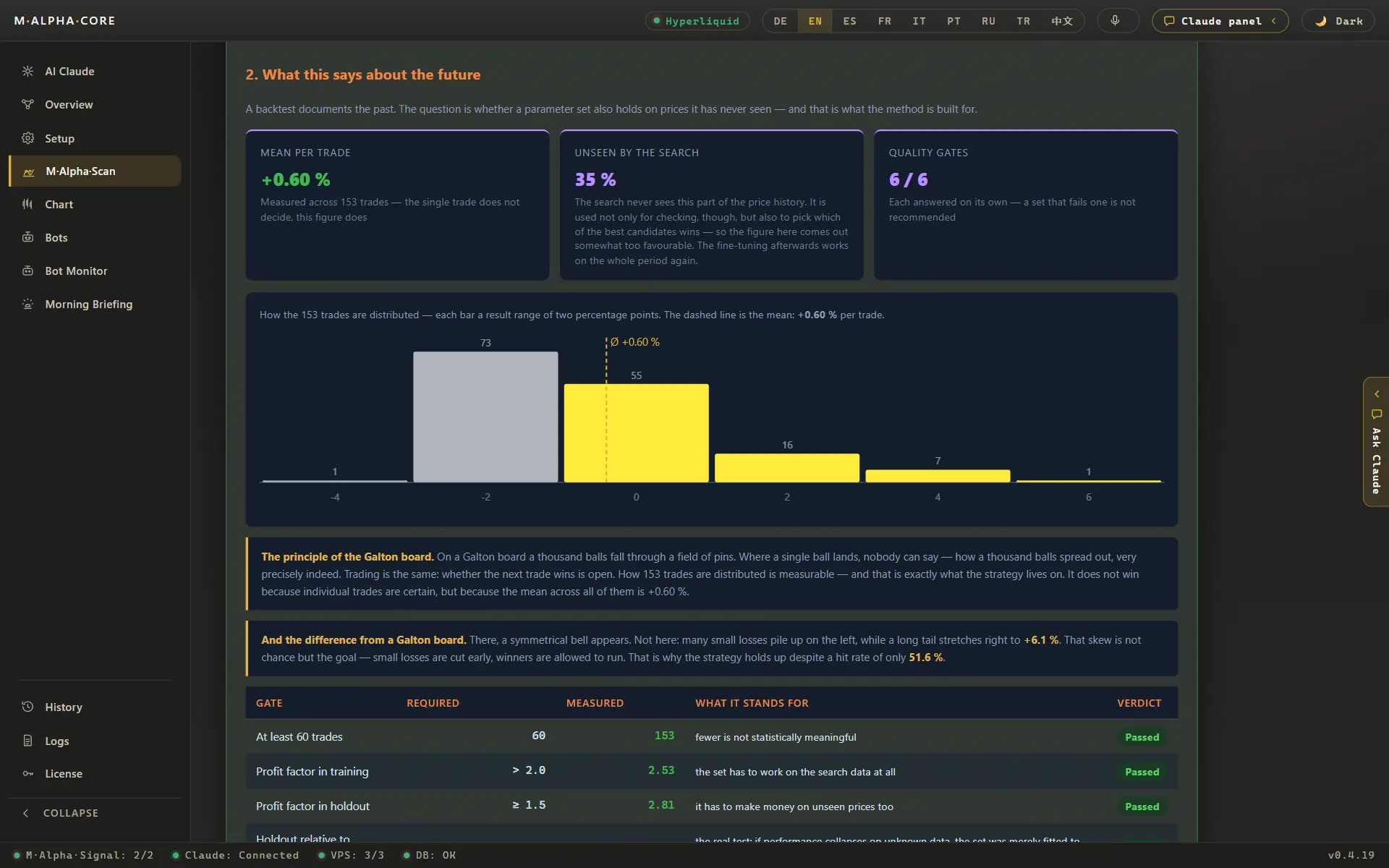
You type the oil symbol, choose the 30 minute chart, the 1 hour chart or both, and a date range of about one year. The scan finds the best settings of the built in strategy M Alpha Signal on the first 65 % of the data and runs them once, unchanged, on the last 35 %. The report shows both parts side by side, plus the worst move against a single trade and the leverage limit that follows from it.
The scan uses Binance perpetual candles. Binance has listed oil contracts only since late 2025, so a one year scan holds somewhat fewer candles than a scan of a large coin. Look at the number of trades before you trust a result. A profit factor built on a handful of trades says little. The methodology page describes every step.
WTI or Brent?
Scan both if you are unsure. Because they move together most of the time, the reports are often similar, but not identical. Pick one for your bot rather than both: two bots on two oil contracts that move together double the exposure to the same news without spreading the risk. If you want a second market next to oil, choose one with different drivers, for example gold or a stock index.
Leverage on oil
Oil can move several percent in minutes after an inventory report or a political shock, and in extreme cases far more. Choose leverage from the report, not from hope: the worst move against a single trade in the test period sets a hard upper limit, and a sensible value lies well below it. The leverage and liquidation calculator shows how close a given leverage brings the liquidation price.
Where your oil bot trades
According to the market list the app loads from our update server (as of November 13, 2026), WTI and Brent perpetual contracts are listed on nine of the ten supported exchanges: Binance, Bybit, OKX, Bitget, Gate, KuCoin, Crypto.com, MEXC and Hyperliquid. BingX is not on the list. The app checks again when you set up a bot. Availability in your country and the allowed leverage are set by the exchange.
Set up an oil trading bot step by step
- Install the app. M Alpha Core runs on Windows 10 and 11, on macOS 11 or newer (Apple Silicon and Intel) and on Android 10 or newer. Get it on the download page. One Standard license covers one computer and one phone, Pro covers three devices in any mix.
- Scan oil. Type CL or WTI for WTI, or BZ or BRENT for Brent, in the scan screen. Pick a time frame and a date range, then start the scan. It runs on our scan server, so you can close the app or put your phone away while it works.
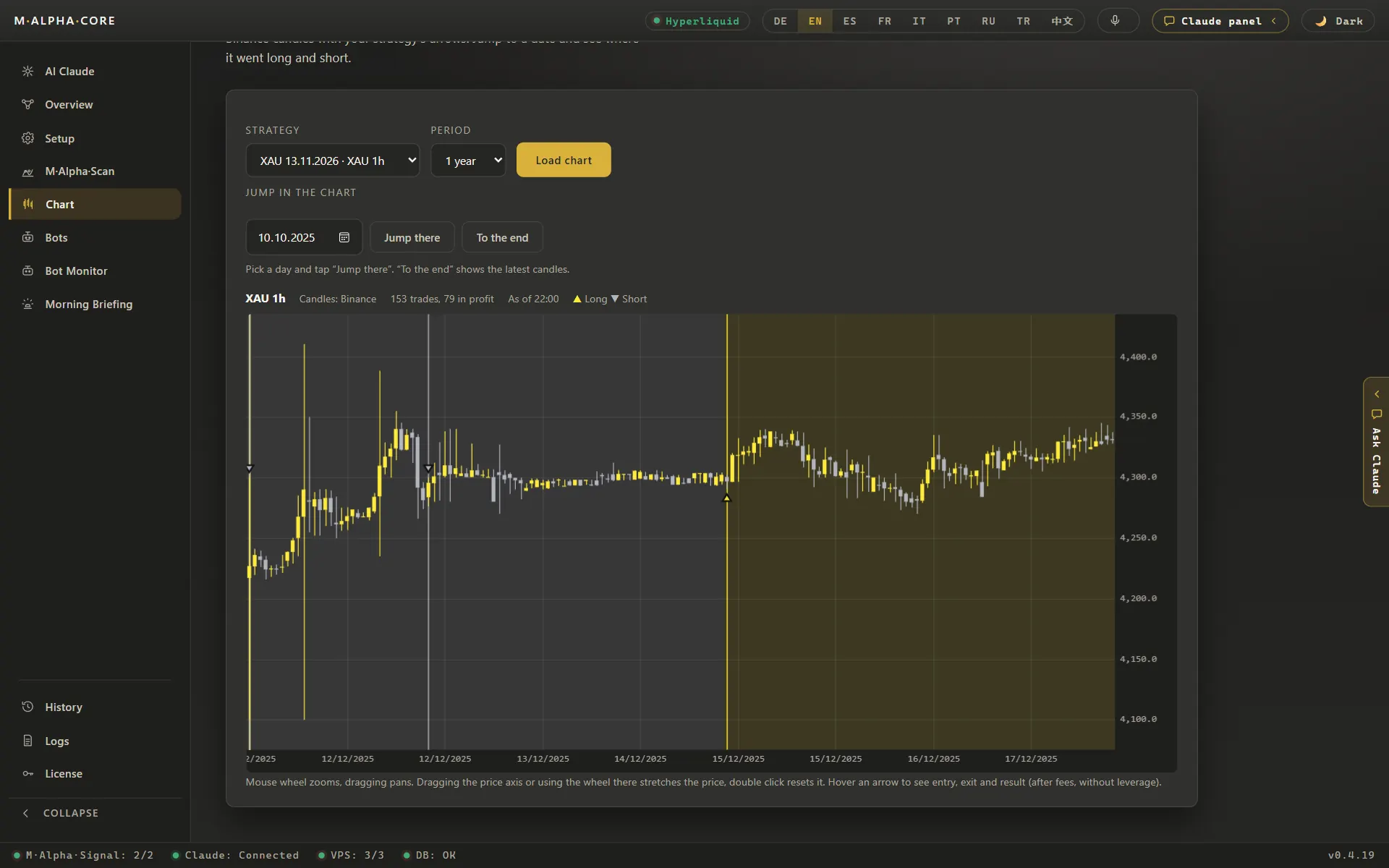
- Read the report. Look at the number of trades, the profit factor on the searched part and on the unseen part, the result with and without leverage, the worst move against a single trade and the leverage that move would have allowed. Open the chart and look at every trade, the losers included. The methodology page explains how each figure is calculated.
- Rent a small server and start your bot. The app walks you through renting a small server for about $12 a month and sets it up for you. Your bot first runs as a dry run: it only writes down what it would do and sends every step to your Telegram.
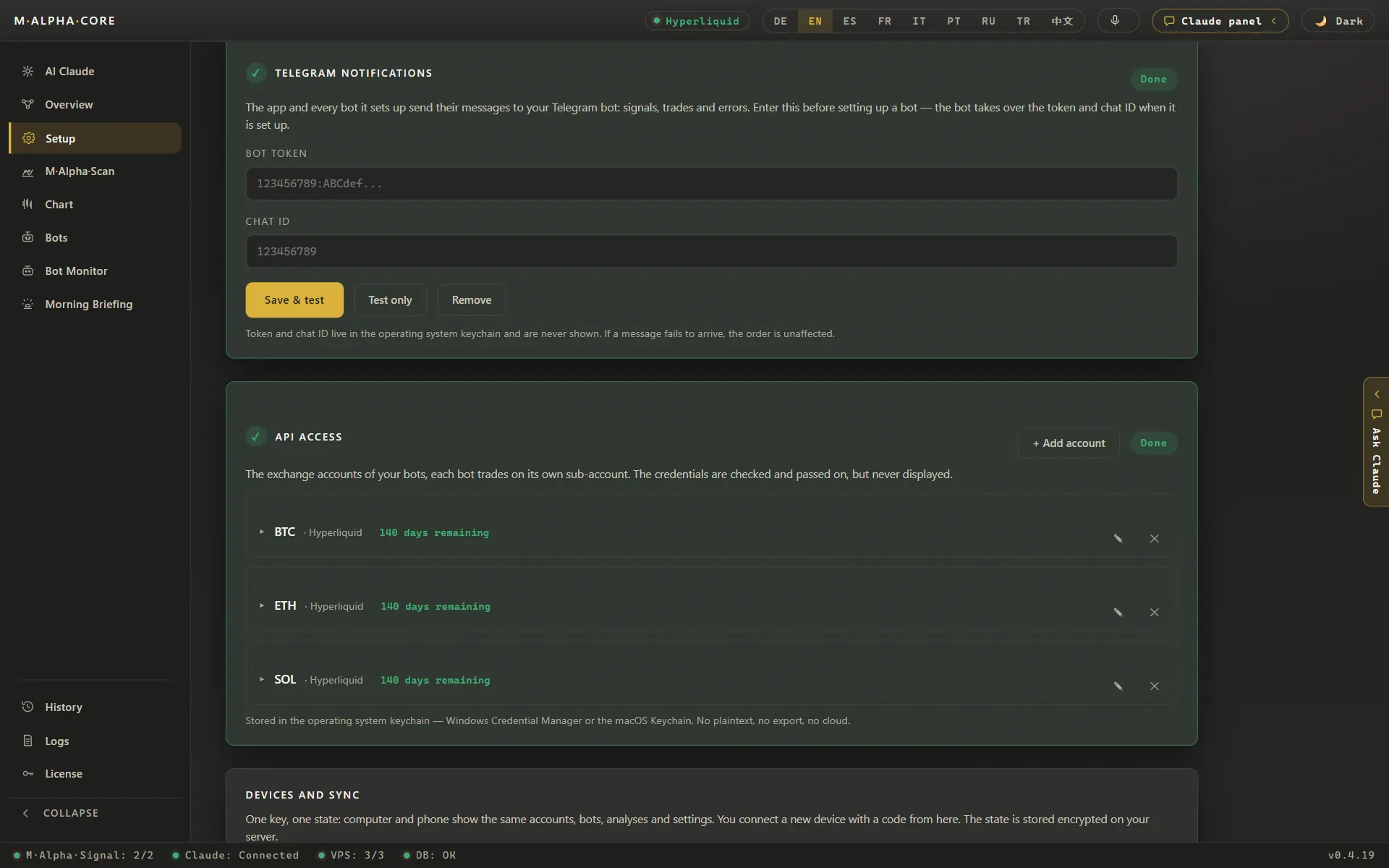
- Connect your exchange with a trading only key. Open the API settings of an exchange that lists the oil contract, for example Binance, Bybit, OKX or Bitget. Create an API key that may trade but may not withdraw. The key is stored in the protected vault of your device and on your own server. Our scan server never sees it. The security page explains how keys, servers and the control panel are protected.
- Go live when you are ready. A practice bot stays a practice bot, so for real money you set the bot up once more without the dry run tick. From then on it trades on your own account, and you can set it to long, short, reverse or stop with one tap in the app or in the control panel in your browser.
The app shows one screen per step. The built in assistant explains each one if you get stuck.
By hand, own script or M Alpha Core
Here are the three common ways to trade oil with fixed rules, compared in practical terms.
| What matters | By hand | Own script | M Alpha Core |
|---|---|---|---|
| Testing many settings | Slow, a few settings per evening | Possible, if you write and maintain the code | Thousands of settings per scan on our scan server |
| Test on unseen data | Rarely done | Only if you build the split yourself | In every report: search on 65 %, test on the last 35 % |
| Leverage risk in numbers | Guesswork | Only if you calculate it | Worst move inside a trade and the leverage that would have survived it |
| Trading around the clock | Only while you watch the screen | Needs your own server and monitoring | Your bot on your own server, checked every minute by a watchdog |
| Programming needed | No | Yes | No, you tap through the app |
| Who holds the exchange key | You | You | You, in the vault of your device and on your own server |
| Cost | Your time | Your time plus a server | From $49 a month plus a small server for about $12 a month |
If you are weighing M Alpha Core against other bot tools, our side by side pages cover M Alpha Core vs 3Commas, M Alpha Core vs Pionex, M Alpha Core vs Cryptohopper and M Alpha Core vs Gainium.
Risks and limits
- Event risk. A single decision or attack can move oil further than anything in the test period.
- Gaps. The underlying oil market has trading pauses. The contract can jump when it resumes, and stops can fill at a worse price.
- Shorter history on crypto exchanges. Oil contracts on crypto exchanges are new, so the scan has fewer candles than for large coins.
- Funding and fees. They reduce every result, especially for strategies that trade often.
- Backtests are history. No result is a promise of future profit.
A watchdog checks every bot every minute, the app warns you at half and at three quarters of the way to liquidation, and every Sunday it compares the bot with what really happened on your account.
What an oil bot costs
The app costs $49 a month in the Standard edition. You also need a small server for about $12 a month, a free Telegram account and about $5 of credit for the built in assistant. There is no contract. See the pricing page.
Frequently asked questions
Can a trading bot trade oil?
Yes. WTI and Brent trade as perpetual contracts on several crypto exchanges. M Alpha Core scans them, and your bot trades on an exchange that lists them.
What is the difference between WTI and Brent?
WTI is the American benchmark for crude oil, Brent the benchmark for North Sea oil and much of the oil traded worldwide. They usually move together.
Which symbols do I type?
CL, WTI or USOIL for WTI, and BZ, BRENT or UKOIL for Brent. The app maps them to CLUSDT and BZUSDT.
Which exchanges list oil contracts?
As of November 13, 2026: Binance, Bybit, OKX, Bitget, Gate, KuCoin, Crypto.com, MEXC and Hyperliquid. BingX does not.
Do I buy real oil?
No. The bot trades a contract that follows the oil price. Nothing is delivered.
Why are there no oil results on this page?
We only publish figures from scans with documented dates. Until an oil scan is published, this page explains the process.
Should I run a WTI and a Brent bot together?
Usually not. They move together, so two bots double the exposure to the same news.
Which time frames can I scan?
The 30 minute chart, the 1 hour chart or both in one run.
Can the bot withdraw money?
No. Its API key may trade but may not withdraw.
Are results guaranteed?
No. All figures come from backtests on past data.
Related pages
All figures come from backtests on past market data. No result is a promise of future profit. Trading, especially with leverage, involves high risk. M Alpha Core is a software tool, not investment advice.